
$4.80
Custom DTF Gangsheet Builder: Custom Production Guide and FAQ
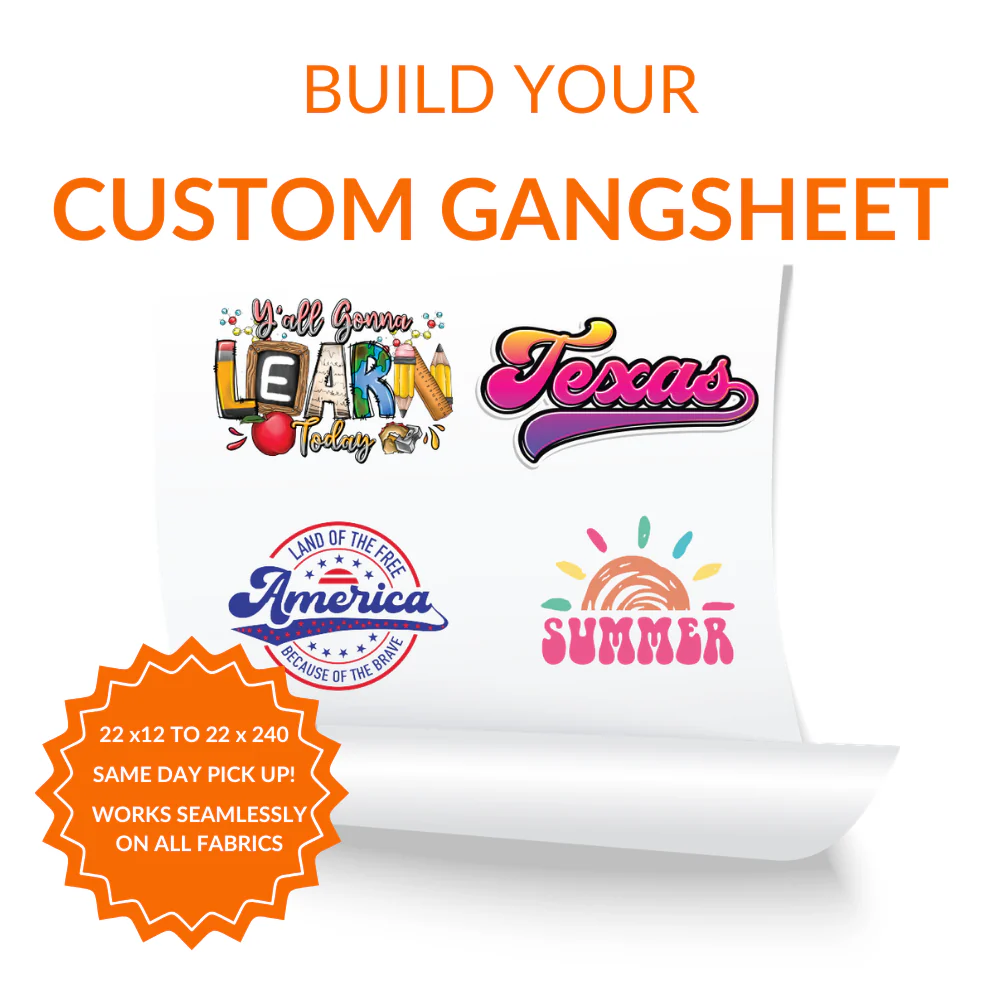
Custom DTF Gangsheet Builder is made for custom production where product selection, artwork preparation, and finished presentation all matter. The DTF gangsheet builder combines double matte cold-peel film with a browser layout tool, helping repeat apparel batches, mixed artwork sheets, and print shops manage DTF heat-transfer production for cotton, polyester, and blended apparel.
Why It Works for Custom Projects
The DTF gangsheet builder helps repeat apparel batches, mixed artwork sheets, and print shops prepare custom products with clearer artwork planning, dependable handling, and a more consistent final result.
-
Controlled artwork setup: The browser layout tool helps keep design size, file clarity, spacing, and placement organized before production.
-
Dependable material support: double matte cold-peel film supports clean visual output, practical application handling, and a consistent finish.
-
Flexible order use: It is useful for repeat apparel batches, mixed artwork sheets, and print shops producing samples, customer orders, repeat designs, and mixed artwork batches.
Artwork and Order Preparation
Strong results come from aligning product details, artwork quality, and the requirements of DTF heat-transfer production.
-
Use production-ready files: Submit high-resolution artwork with accurate dimensions and transparent areas where needed.
-
Prepare the target item: Make sure cotton, polyester, and blended apparel are clean, dry, and ready for the selected application process.
-
Save order details: Record file names, sizing, layout information, and placement notes for future orders.
Application and Handling
A clean surface, correct alignment, and careful handling help the finished transfer or sticker look professional.
-
Clean the area: Remove lint, dust, oils, moisture, or loose fibers before applying the design.
-
Apply steadily: Use the correct method and avoid shifting the artwork during application.
-
Protect the finish: Avoid immediate rough handling, washing, or scraping after the item is decorated.
Frequently Asked Questions
What is Custom DTF Gangsheet Builder used for?
It is used by repeat apparel batches, mixed artwork sheets, and print shops that need a reliable option for DTF heat-transfer production.
How does this DTF gangsheet builder support customization?
It provides a clear product base and a browser layout tool for organizing artwork, placement, and production details.
What should I prepare before production?
Prepare high-resolution artwork, final sizing, placement notes, color choices, quantity, and any application requirements.
What materials or surfaces are intended?
This product is intended for cotton, polyester, and blended apparel. The target fabric or surface should be suitable for the selected customization method.
Can it work for business orders?
Yes. It can support branded merchandise, staff apparel, event products, customer jobs, and retail projects for repeat apparel batches, mixed artwork sheets, and print shops.
How can repeat orders stay consistent?
Keep the same artwork files, dimensions, layout notes, placement details, and product selections for future runs.
How should the finished item be cared for?
Follow the base product care label and avoid bleach, abrasive cleaning, scraping, or direct heat over decorated artwork.